This project was built for the "IoT Service Planning" performance assessment, a subject in the 1st-year major track at Korea Digital Media High School's Web Programming department.
1. Overview
As digital environments have advanced, many people today have spent more of their lives indoors from a young age, and their use of smartphones, computers, and other electronic devices has increased.
Keeping at least 30cm of distance between yourself and an electronic device is necessary to protect your eyes, but many users either don't know this or know it and don't follow it — and as a result, many people's eye health has been getting worse.
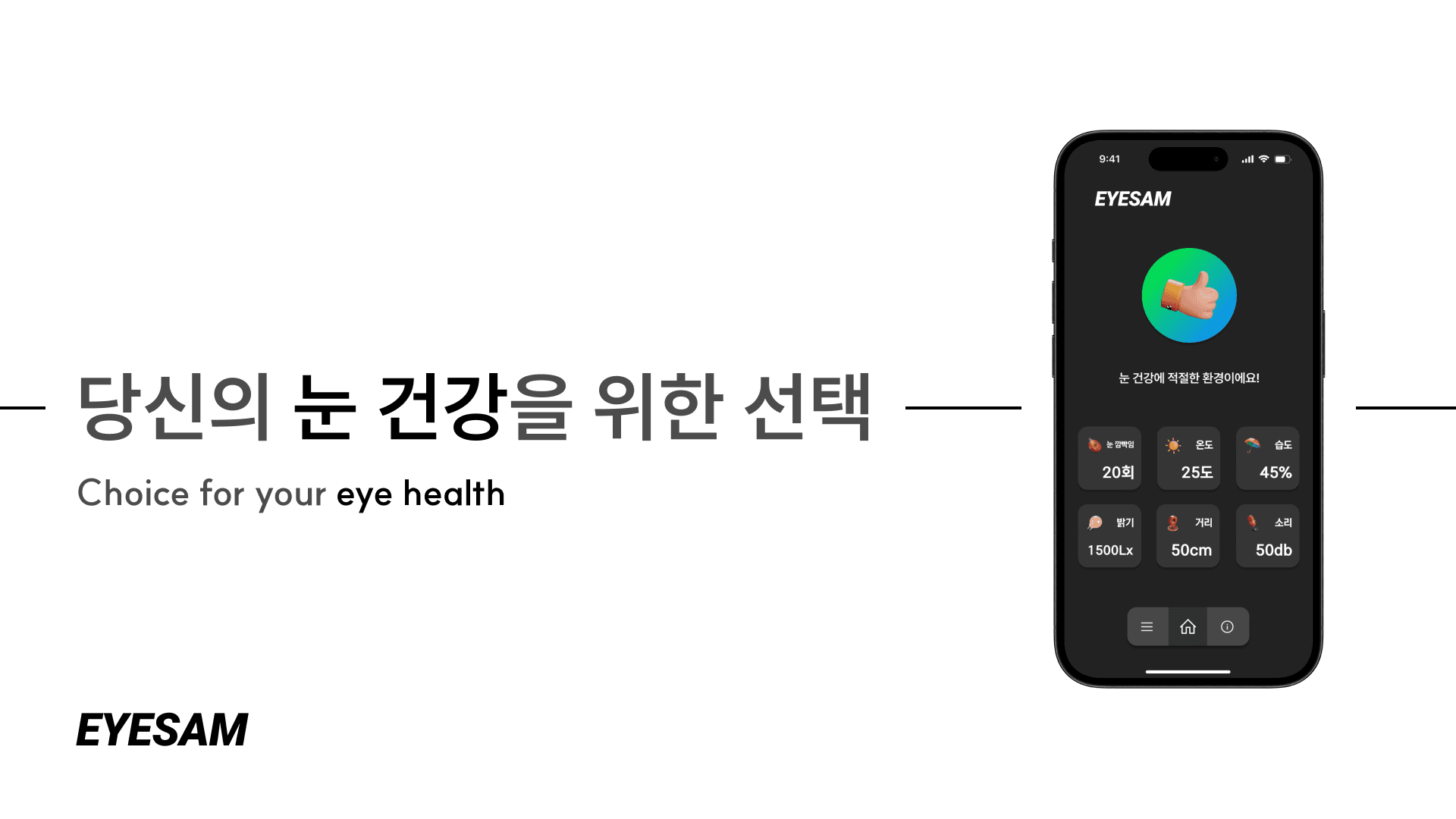
I thought about how to solve this problem, and EYESAM is a project designed to help manage the eye health of modern people who are more exposed to digital environments than ever.
I worked on this project with a classmate from my first year.
2. System Architecture
Hardware built around a Raspberry Pi collects environmental data — the user's blink rate, their distance from the device, and the room's temperature, humidity, brightness, and sound — and updates this information in real time to a database built with Firebase.
The app then reads this data from the Firebase database and shows the user feedback about their eye health based on it.
| Component | Role |
|---|---|
| LED | Shows the risk level of the user's environment with different LED colors (levels 1–3) |
| Button | Dismisses the warning that appears when the user is in a risky environment for their eyes |
| Buzzer | Plays a sound alongside the LED when the highest risk level is reached |
| Ultrasonic sensor | Measures the distance between the user and the electronic device |
| Temperature & humidity sensor | Measures the temperature and humidity of the user's location |
| Light sensor | Measures the brightness of the user's location |
| Sound sensor | Measures the sound level of the user's location |
3. Retrospective
I originally planned to use a camera for this project, but during development I ran into a Python version and package manager issue on the Raspberry Pi where the camera itself was recognized, but cv2's videoCapture(0) came back as none.
On top of that, I ran into an issue where dlib wouldn't install.
These camera-related issues and Raspberry Pi version problems caused frequent errors, and every time something broke during the project I had to reset the Raspberry Pi. This inevitably stretched out the development timeline, but I kept at it and didn't give up.
To work around the camera issue, instead of wiring up the Raspberry Pi's camera module, I used my laptop's webcam to extract the data I needed and send it to the database.
Building this project introduced me to a lot of new tools for the first time — React Native Expo, Firebase Firestore, and Raspberry Pi among them. With React Native, Expo let me build the app much faster than traditional native app development would have, and Firebase's documentation was thorough enough that it was easy to pick up.
Since this Raspberry Pi project was built for a major-track performance assessment, a lot of classmates were using the same hardware to build their own projects at the same time — so whenever something broke, I could actively share it with my teacher and classmates and get feedback, which let me keep improving it.